Loading metal rates…


 INDUSTRIAL B2B MARKETPLACE
Source verified cable, wire, raw material & machinery
Browse KYC-verified suppliers, raise an RFQ or message a seller directly, and take the conversation to WhatsApp — no forms, no waiting.
Buy & Sell
The complete platform for industrial trade.
How it works
How Cable Connect works
Everything you need — built for the way the Indian cable trade actually works.
1Step 01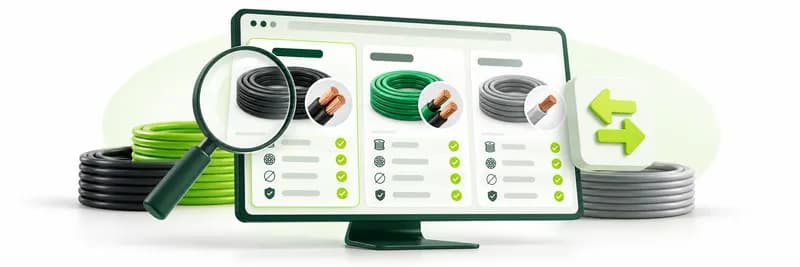
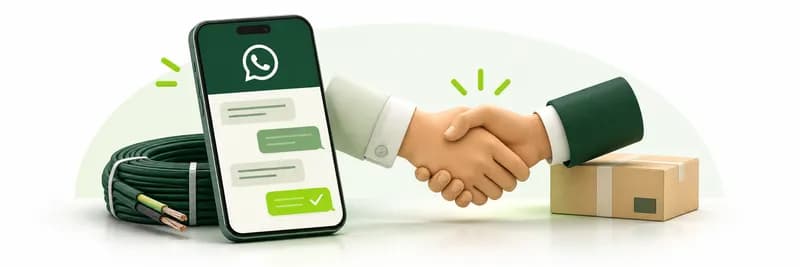
Discover & compare
Browse verified listings with full specs, MOQ and real daily commodity pricing.
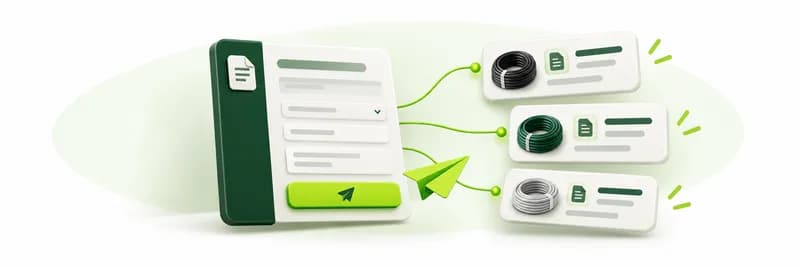
2Step 02Get quotes / Post RFQ
Broadcast a requirement or contact suppliers directly — receive competitive quotes.
3Step 03Connect & close on WhatsApp
Reveal the seller's WhatsApp number once you agree terms, and take it from there.
How it works
How the marketplace works
Find what you need from verified suppliers across India.
- 1Step 01

Search or browse
Search by product, browse the categories, or find suppliers on the map.
- 2Step 02
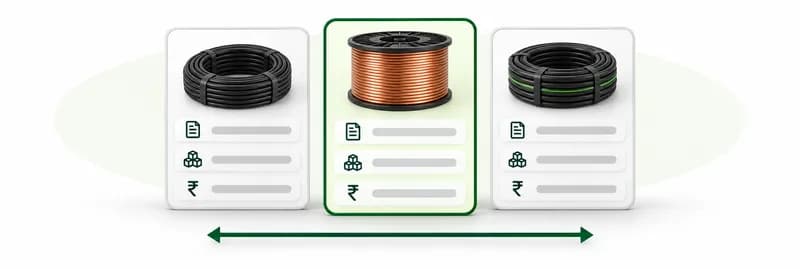
Compare listings
See specs, MOQ and price side by side, and add listings to compare.
- 3Step 03
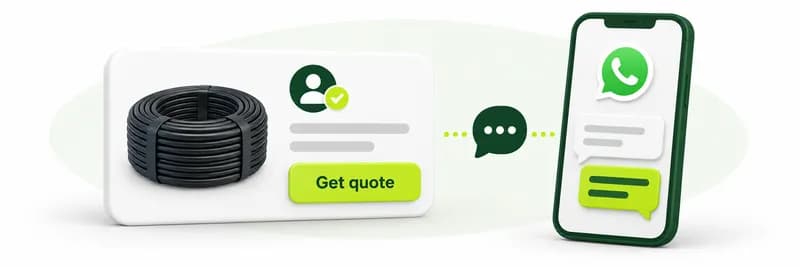
Get a quote or chat
Request a quote, or reveal the seller's WhatsApp number and take it from there.
How it works
How RFQs work
Tell suppliers exactly what you need and let the quotes come to you.
- 1Step 01

Post your requirement
Add the product, the quantity and where it needs to be delivered.
- 2Step 02
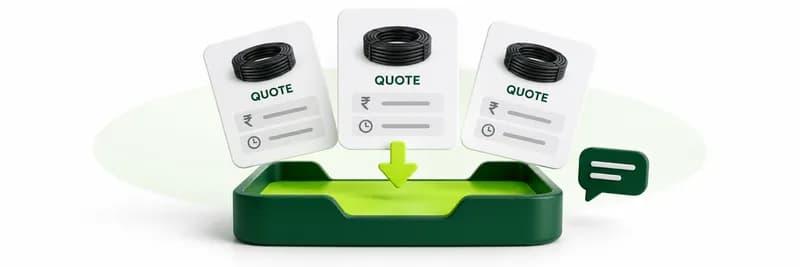
Receive quotes
Suppliers respond with their price and terms, and you can chat with each of them.
- 3Step 03
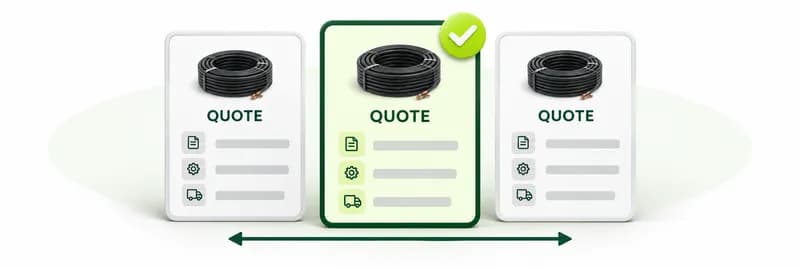
Compare and award
Compare the quotes side by side and award the one that fits your order.
How it works
How auctions work
Buy or sell through forward and reverse auctions, sealed or open.
- 1Step 01

Register
Pick an upcoming auction that matches what you trade and register to take part.
- 2Step 02

Place your bid
Bid sealed, or live in an open auction, where a bid in the last 5 minutes resets the timer to 5 minutes.
- 3Step 03

See the result
The result is announced and you connect with the other party to finish the deal.
How it works
How the community works
Learn from, and do business with, people across the cable and wire industry.
- 1Step 01

Follow people and companies
Follow suppliers, buyers and experts to see their posts in your feed.
- 2Step 02

Share and ask
Post insights and questions, share updates, and react to what others post.
- 3Step 03

Find jobs and experts
Browse open jobs and events, and find consultants you can book for advice.
How it works
How the engineering tools work
Design a cable, work out the materials, then cost the order.
- 1Step 01
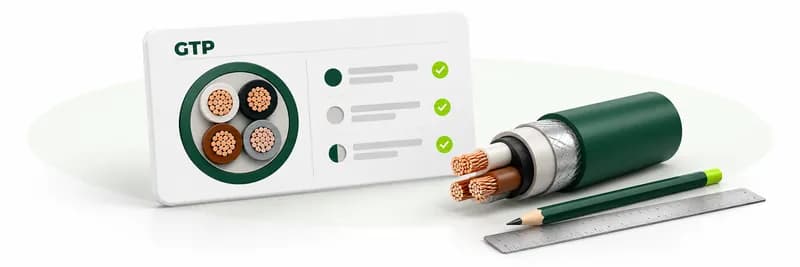
Design the cable
Build a cable specification in the GTP builder, with IS-standard lookups on each row.
- 2Step 02
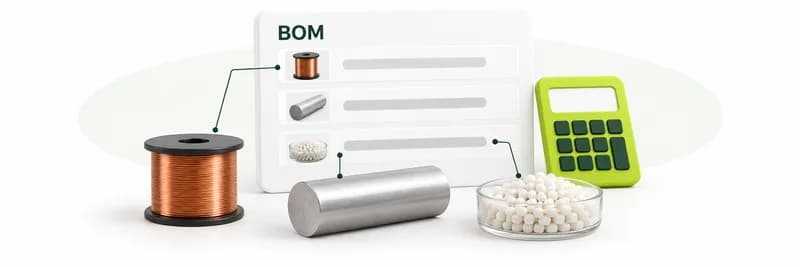
Estimate the materials
The BOM estimator turns an order into the raw-material quantities it needs.
- 3Step 03
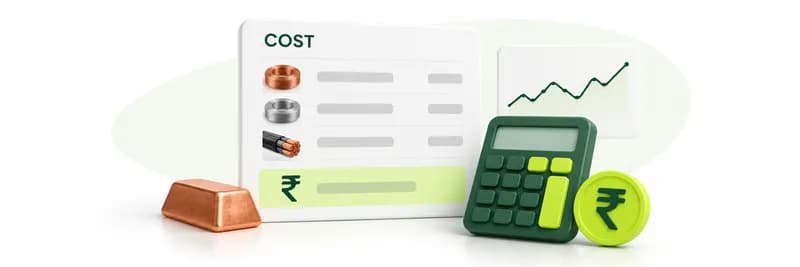
Cost the order
Apply raw-material rates, with the live metal price index, to see what the order costs.
Get your first RFQ answered in 24 hours
Source smarter on Cable Connect
Reliable, fast, and transparent sourcing for your business. Get quotes from verified suppliers in minutes.